
GPS Tracking and Real-Time Order Changes
June 14, 2026 · 10 min read
GPS Tracking and Real-Time Order Changes
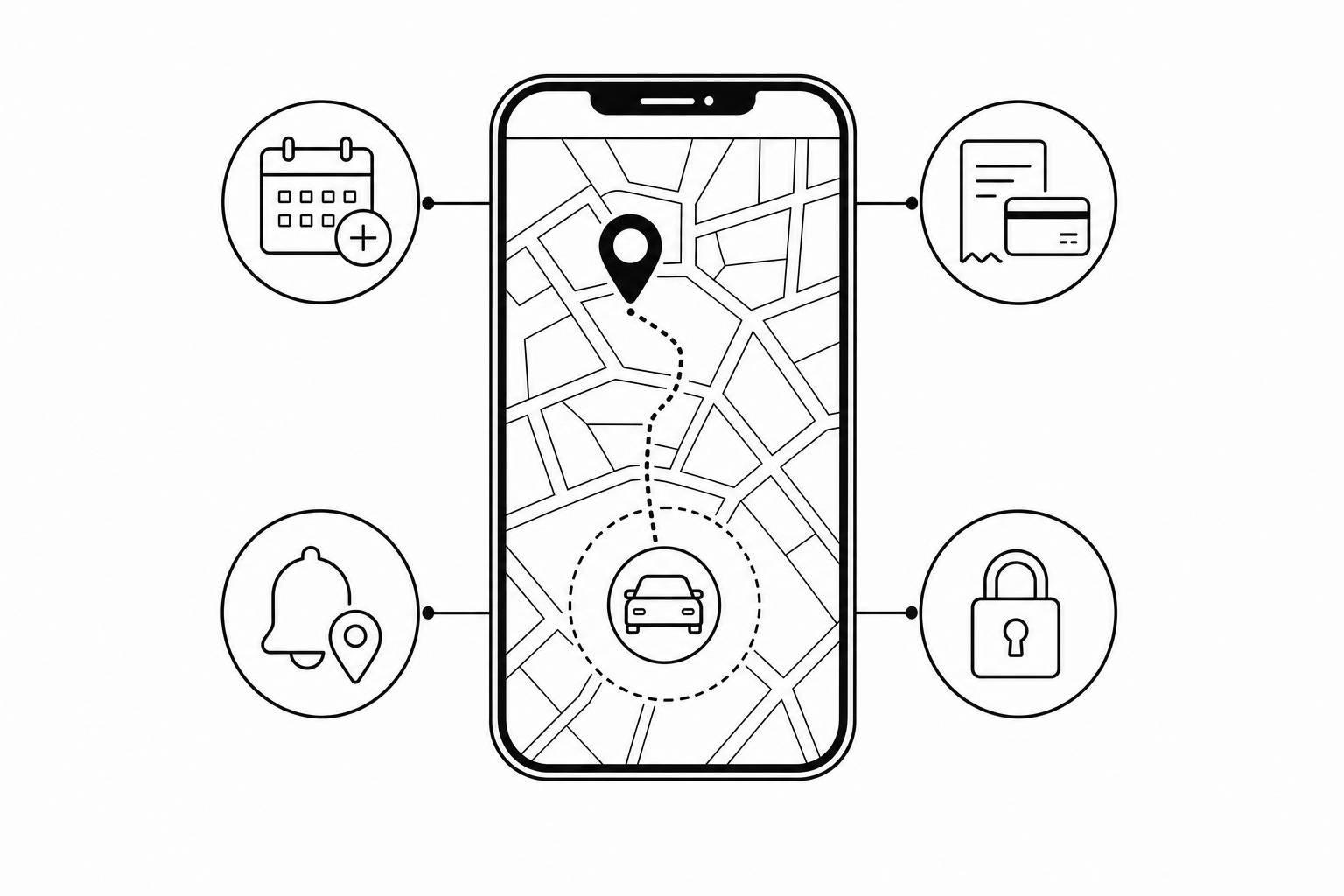
If GPS, booking status, pricing, and order changes are split across different tools, you lose time, miss charges, and risk double-bookings. I’d fix that by tying live location data to one order record, so extensions, late returns, geofence alerts, billing, and access updates all happen in the same place.
Here’s the short version:
- Live GPS alone is not enough. A map pin does not show whether an asset is overdue, extended, or ready for the next renter.
- Manual extensions leak money. Phone, text, and email changes often lead to missed late fees, old return times staying on the calendar, and extra staff work after hours.
- Policy checks need linked data. When geofence alerts, return rules, and audit logs sit with the order, it’s easier to handle disputes and act before a small issue turns into a loss.
- Self-service cuts manual work. In the source article, Lockii says about 95% of bookings in its automated flow do not need staff help.
- [Scale depends on automation](https://www.lockii.app/post/scaling-rental-businesses-with-contactless-models). The article also says operators can support 200+ locations without staff growth matching location growth.
What matters most: one live rental record with GPS history, booking times, change history, payment updates, and access events.
I’d set up the workflow like this:
- Track the asset with GPS during active rentals
- Link location data to the booking record
- Let renters extend online with automatic pricing and payment in USD
- Trigger alerts for overdue returns and geofence breaks
- Log every change with timestamps for billing and disputes
A few setup rules matter right away:
- Set extension pricing before launch
- Add a grace period and automatic late fees
- Define approved return locations
- Set geofence boundaries by asset type and service area
- Add maintenance triggers based on time, mileage, or usage
In plain English: if you plan a contactless rental process, you need your system to know where the asset is, what the order says, what changed, and what to charge - all at once.
Problems That Arise When GPS Data and Order Changes Are Not Connected
When GPS tracking, booking records, and order changes live in separate systems, status updates drift out of sync. And once GPS data and order changes stop updating together, availability, billing, and rule enforcement can all fall apart at the same time.
Limited Visibility Into Asset Status and Live Availability
A GPS pin tells you where an asset is. It does not tell you its booking status, extension history, or whether it's ready for the next renter.
That gap gets messy fast during same-day turnarounds. A trailer may look "available" in your booking calendar while GPS shows it still parked at a customer's job site overnight. You promise it to the next renter, they arrive, and the trailer isn't there. Now you've got a failed pickup, an upset customer, and a last-minute scramble to fix a problem that started because two systems weren't sharing updates.
The result? Teams start under-booking to stay safe, and that means lost revenue.
That's why real-time order updates matter so much.
Manual Extensions Create Revenue Leakage and Staff Overhead
Every extension handled by phone, text, or email opens the door to mistakes. Staff have to review the request, price it, update the order, and send a confirmation back to the customer. Miss just one step, and the customer keeps the asset for another day without getting charged.
Small errors stack up fast:
- One team member waives a late fee to avoid friction
- Another forgets a weekend surcharge
- A third approves an extension over text but never updates the system, so the old return time stays on the calendar
Across a large fleet, even a small number of missed charges can turn into a meaningful hit to revenue.
And it's not only about billing. Someone still has to be around to handle these requests, including nights and weekends, just to process changes that a self-service setup could handle on its own in a 24/7 contactless rental operation.
That same disconnect also makes return rules and location limits much harder to enforce.
Weak Policy Enforcement Increases Theft and Dispute Risk
Without GPS alerts tied straight to the live order record, rule breaks often go unnoticed until it's too late to step in. An asset can cross a geofence boundary, go overdue, or get left at the wrong location, and you may not find out until it's already overdue or off-route.
Connected alerts bring overdue bookings and missed requirements to the surface before the issue gets worse.
Disputes get harder to sort out too. If a customer pushes back on a late fee or says they never drove outside an approved area, you need GPS timestamps, booking history, and return documentation in one place. Without that connected record, you're stuck in an argument with no clear paper trail, and that usually doesn't end well for the operator.
The answer is simple: connect GPS events straight to the live order record.
How Integrated GPS Tracking and Real-Time Order Changes Fix These Problems

When GPS, bookings, and order changes sync in one system, operators can work from live status instead of chasing updates across tools. Once GPS and order changes sit inside the same record, the workflow shifts from reacting after the fact to stopping problems earlier: live order record, self-service extension, geofence alert, staff action.
One Live Order Record Combining Booking Times, GPS Location, and Change History
When GPS data feeds straight into the booking record, each rental gets one shared timeline. That timeline shows the return time, current location, and change history.
That kind of visibility can turn a messy back-and-forth into a quick answer. The audit trail shows when the extension was approved, what charges were added, and when payment was processed. And when GPS confirms an asset is back at the lot, the system can update the calendar in real time without manual entry.
That same record also becomes the starting point for automated extension requests.
Customer Self-Service Extensions With Automatic Pricing and Rule Checks
When a customer asks for more time, the platform checks availability, applies the right rate for the added time, takes payment through Stripe, and updates the order before confirming the extension.
Lockii lets customers extend through a find my order page or customer portal. Availability checks, pricing, payment, and order updates are handled automatically. If the rental uses a digital lock through IglooHome, the PIN code updates automatically to match the new return window. Approximately 95% of bookings managed through Lockii's automated system never require human intervention [2] - which helps operators keep contactless fleets moving with less manual follow-up.
The same live order record also powers location alerts and enforcement.
Geofence Alerts That Trigger Action Before a Small Issue Becomes a Loss
A GPS pin shows where something is. A geofence alert tells staff when to act. The moment an asset crosses a boundary it shouldn't - leaving a job site after hours or moving outside an approved zone - the system flags it right away.
That gives an operator a chance to step in while the asset is still on-site. And when the alert ties back to the live order record, every follow-up - whether it's a customer message, a staff note, or a damage report - stays attached to the same rental timeline. The result is a cleaner record and a clear log of what happened next.
That only works when alerts, pricing, and audit logs all update the same order record.
How to Set Up GPS-Driven Real-Time Order Management
Once alerts, pricing, and order changes live in the same record, the next job is setting up the system to act on them. Real-time order management only works if GPS, billing, and order updates are connected _before_ you go live.
Core System Requirements for Trailers, Vehicles, and Equipment
Every asset in your fleet needs GPS hardware you can count on. It should report location during active bookings, ideally no less often than every 30 minutes while moving, and every 12 to 24 hours when parked to help preserve battery life [3]. That data should flow straight into your booking software so each order shows a live status: available, out, overdue, extended, or on maintenance hold.
In plain terms, you need hardware, booking rules, customer access, and payment handling working together in one flow to automate rental business operations. A basic multi-location setup includes:
| Component | Function | | --- | --- | | GPS hardware | Tracks asset location and movement alerts | | Booking software with live status | Keeps booking, GPS, and change history in one record | | Self-service order changes | Lets customers extend bookings online | | SMS and email automation | Sends confirmations, overdue alerts, and extension notifications automatically | | Digital lock support | Logs access events and updates access windows when an order is extended | | Payment processing in USD | Posts pricing changes automatically when an order is updated |
Lockii brings these functions together in one system for contactless, multi-location rentals.
Rules to Configure Before Going Live
Once the stack is ready, you need to decide what rules it will enforce. Do that before launch, not after.
Set your extension pricing so customers can see the exact cost before they confirm. That price should stay tied to the original rate structure, so staff doesn't have to recalculate anything by hand. Then set a grace period that covers normal delays like traffic or loading time, but doesn't leave inventory in limbo for too long. When that grace period ends, the system should apply a late fee automatically.
Your geofence boundaries should match the kind of assets you rent and the area you serve. Smaller zones often make sense for city equipment rentals. Larger zones, measured in miles, fit trailer and vehicle fleets better. You also need clear approved return locations. Does the asset have to go back to the same branch, or can it be returned to any approved site? For multi-location rental businesses, that rule affects whether the order closes on its own or gets routed to another branch. On top of that, set maintenance triggers based on time, mileage, or usage thresholds, depending on the asset, so equipment is taken out of circulation before a service problem hits availability.
Why Audit Logs and Usage Records Matter When Issues Arise
Those rules don't mean much unless every change is recorded. When a dispute shows up, a customer says they returned on time, or an asset lands in the wrong place, a time-stamped record is what clears it up. Without that record, problems drag on.
Order Audit Logs record booking changes. Item Audit Logs record GPS pings, access events, and maintenance history. Together, they create the proof behind each GPS-based decision, showing what happened, when it happened, and where. If a staff member makes a policy exception or overrides a rule by hand, the log shows that too. For multi-location operators, that keeps reviews fast and enforcement consistent.
Conclusion: Better Control, Better Billing, and Less Manual Work
When GPS tracking and order updates live in the same record, the workflow starts to fix itself with a rental business automation checklist. If the asset and the order drift out of sync, the system can respond on its own without anyone making a call.
With that link in place, the payoff is straightforward. Operators can scale to **200+ locations** without adding staff at the same pace [1]. And about 95% of bookings never need a human to step in [2].
The result is simple: fewer manual handoffs, faster turnarounds, and cleaner billing. Live location data, live order status, and automated rules work together to cut down on exceptions and keep things moving at every step.
That’s what makes contactless rental operations easier to scale without adding headcount. For 24/7 contactless rental businesses - trailers, vehicles, and equipment - Lockii brings these functions into one system, built for multi-location, contactless rentals, so better control, cleaner billing, and less manual work are part of the workflow from day one.