
Efficiency Calculator

June 21, 2026 · 2 min read
Efficiency Calculator

Efficiency Calculator

Measure Performance with an Efficiency Calculator

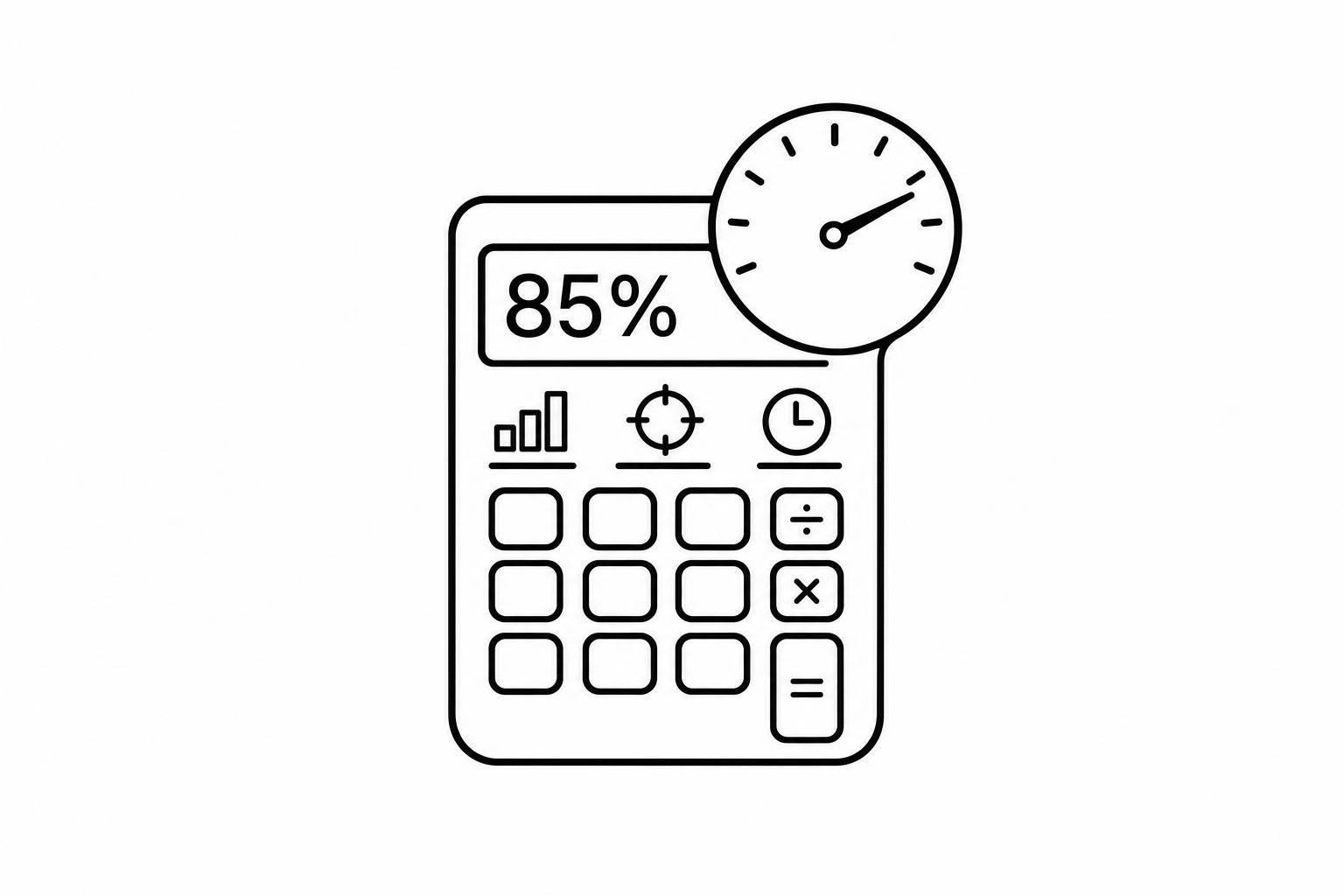
An efficiency calculator helps you see how well output compares with input, goals, or available time. That sounds simple, but having the right formula in one place can save time and reduce mistakes. If you're tracking production, labor usage, team output, or time management, this kind of tool gives you a fast way to turn raw numbers into something meaningful.

A Simple Way to Compare Results

Different situations call for different measurements. Sometimes you want to compare units produced against resources used. Other times, it makes more sense to look at actual output versus expected output, or productive hours versus total hours worked. This tool keeps those scenarios organized by letting you choose the right mode and instantly see the formula used.

Practical Insights, Not Just a Number

A percentage on its own doesn’t always tell the full story. That’s why the calculator also shows the raw ratio, a benchmark comparison, and a short explanation in plain English. Instead of wondering whether 92% is good or bad, you can compare it against your own target ranges and see whether performance is below target, on target, or above target. For managers, operators, students, and analysts alike, an efficiency calculator can make routine performance checks much easier.

FAQs

What does this efficiency calculator actually measure?

It measures how effectively output compares to input, expected performance, or available time, depending on the mode you choose. In one case, it shows how much output you generated for the resources used. In another, it compares actual performance against a target. It can also measure time efficiency by showing how much of total time was truly productive. The result is presented as both a raw ratio and a percentage, which makes it easier to interpret in real-world terms.

How are the benchmark labels like below target or above target determined?

The labels are based on benchmark thresholds that you define. For example, you might decide that anything under 85% is below target, 85% to 100% is on target, and anything above 100% is above target. That flexibility matters because efficiency standards vary by team, process, and industry. The calculator simply compares your result against the thresholds you set and returns the matching interpretation.

Why would the calculator reject some values or show an error?

The tool is designed to prevent misleading results. If you enter zero as the input in a formula that requires division, the calculation can’t be completed safely, so it will show a clear warning instead of a broken result. It also rejects negative values where they don't make practical sense, such as negative hours, negative units produced, or negative expected output. That way, the result stays realistic and useful.

Make The Switch,
To Purpose Built