
Best smart locks for self-service rentals
December 17, 2025 · 11 min read
If you rent trailers, bikes, kayaks, or tools, the lock is the front door of the business. Customers need to pick up without you at the gate. You still need the asset locked when the booking ends.
Most "best smart lock" roundups are written for Airbnb hosts and apartment doors. Self-service rental yards are a different problem: outdoor weather, hitch receivers, sheds, keyboxes on posts, and access that has to follow a booking window on its own.
This guide is for that setup.
What actually matters for self-service rentals
Before brand names, filter on the job.
Form factor. Deadbolts solve doors. Yards usually need padlocks, keyboxes, or mortise locks on sheds and cages. If the hardware cannot bolt to a trailer hitch or a shipping container hasp, the app quality does not matter.
Offline access codes. Cell and Wi-Fi at a depot are often weak. Locks that generate time-bound PIN codes without a live connection (for example igloohome algoPIN) keep pickups moving when the yard's signal drops.
Rental software automation. Manually creating and deleting codes for every booking does not scale. The lock should get a booking window from your rental platform, then expire access when the rental ends.
Weather and abuse. Padlocks and keyboxes sit in sun, rain, dust, and the occasional customer who yanks the shackle. Outdoor-rated hardware beats indoor residential locks every time.
Battery reality. A dead lock is a support ticket at 6am. Prefer models with long battery life and clear low-battery alerts you can see before the weekend rush.
Backup entry. Keep a physical override path for true failures. Electronics fail. Your SOP should not.
Quick comparison
| Option | Best for | Connectivity | Outdoor fit | Lockii integration |
|---|---|---|---|---|
| igloohome padlocks & keyboxes | Trailer, bike, equipment, shed access | Bluetooth; Wi-Fi via bridge; offline PIN codes | Strong | Native |
| KeyCafe | Physical keys in a controlled exchange | Cloud lockbox / key exchange | Depends on install | Native |
| Residential Wi-Fi deadbolts (Schlage, Yale, August) | Indoor doors / short-term lodging | Wi-Fi / Bluetooth | Poor for yard assets | Not the usual path |
| Access platforms (e.g. RemoteLock) | Multi-brand lock portfolios | Varies by hardware | Varies | Not a Lockii hardware path |
1. igloohome: the default for contactless rental fleets
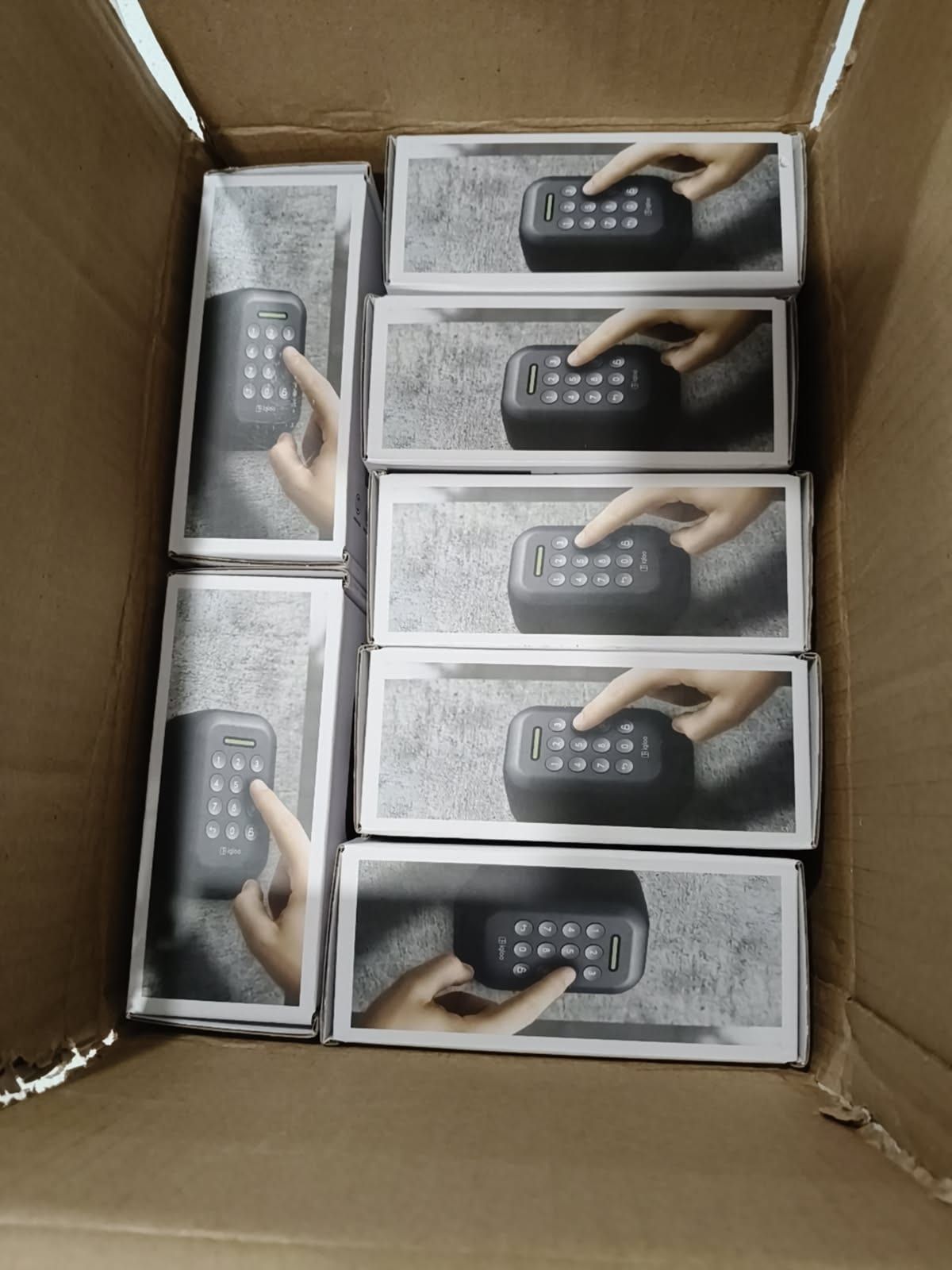
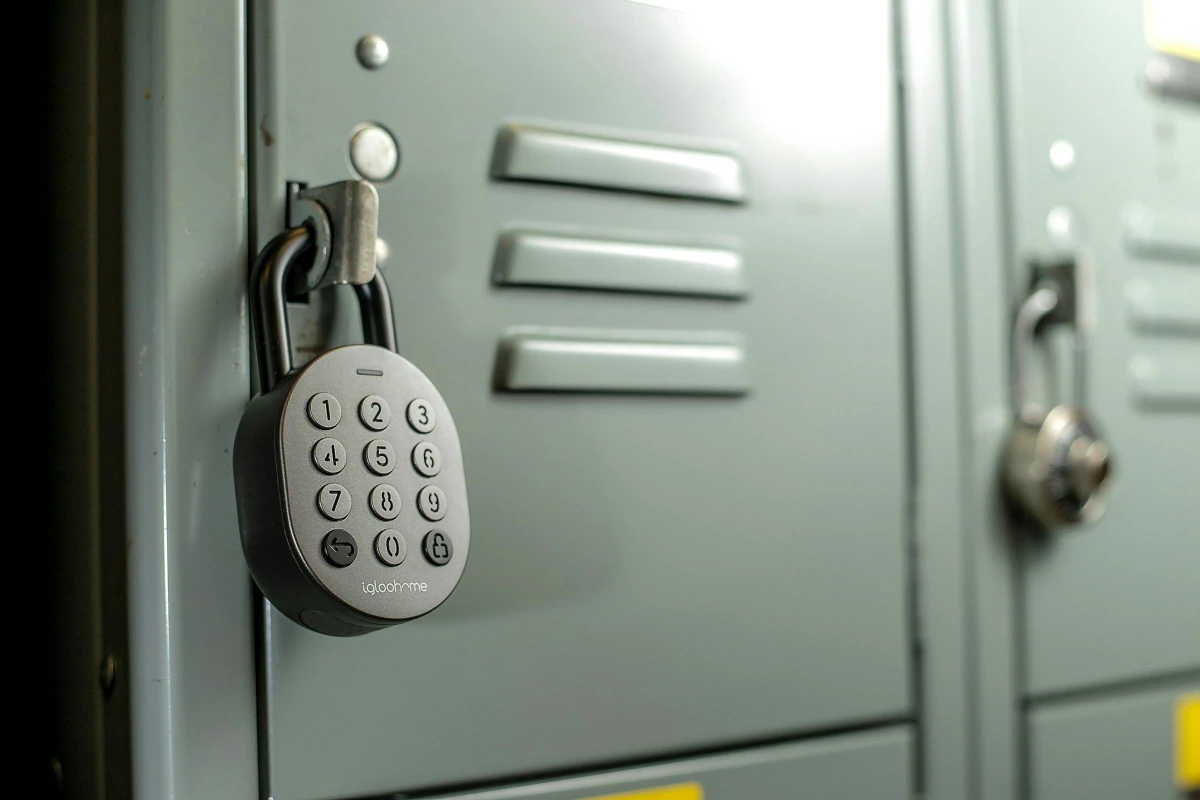
igloohome builds hardware that matches how rental operators actually secure inventory: padlocks on hitch receivers, keyboxes on posts, and locks on storage doors.
What makes it work for self-service:
- Time-bound PIN codes that can be issued without the lock staying online
- Padlock and keybox form factors suited to outdoor assets, not only house doors
- Direct automation with Lockii so codes are created, sent, and revoked from the booking, not typed into a separate lock app at 9pm
On Lockii, igloohome is a first-class integration. When a booking is confirmed, Lockii can generate a time-limited code and message it to the customer before pickup. When the rental ends or is cancelled, access follows the booking. Operators can still remote-unlock or re-issue from the dashboard when something goes wrong.
Outdoor hardware plus booking-tied access is why most Lockii fleets standardize on igloohome rather than stitching residential locks together.
When to pick igloohome
- You rent trailers, bikes, watercraft, tools, or other outdoor gear
- Customers should get a PIN (or unlock) without meeting staff
- You want access windows that match the booking automatically
- You care about offline reliability at the yard
Tradeoffs
You are buying into a lock ecosystem. That is usually the right call for a fleet, but it is still a hardware decision: order the right model for each asset (padlock vs keybox vs door lock), label locks clearly, and plan battery checks into weekly ops.
Learn more: igloohome on Lockii and smart locks for contactless rentals.
2. KeyCafe: when the asset still needs a physical key
Not every rental item takes a padlock cleanly. Some equipment still needs a metal key, a fob, or a secondary ignition key. KeyCafe covers that gap with smart lockboxes and key exchanges.
Connected to Lockii, KeyCafe access can follow the booking window: the box opens when the rental is active, not before, and not after. That keeps "we still have a key" from turning into "someone has to hand over the key."
When to pick KeyCafe
- The asset requires a physical key you cannot eliminate yet
- You want after-hours pickup without staff holding keys
- You already run (or want) a controlled key exchange at the site
Tradeoffs
You are still managing physical keys inside the box. Treat KeyCafe as a bridge while you move assets onto padlocks where possible, or as a permanent path for key-only inventory.
3. Residential smart locks: fine for doors, wrong for most rental yards
Schlage Encode, Yale Assure, August, and similar locks show up in every short-term rental list for a reason: they are strong products for apartment and vacation-home doors. Built-in Wi-Fi, guest codes, Alexa/Google hooks, and retrofit designs matter when the product is a door.
For self-service equipment rentals, they usually fail the form-factor test. A Grade 1 deadbolt does not secure a trailer hitch. Outdoor padlock durability and offline PIN workflows matter more than HomeKit support.
Use residential locks when:
- You are securing an office, storefront, or indoor storage door
- The "rental" is lodging or a room, not a fleet asset in a yard
Skip them as your primary fleet lock strategy for trailers, bikes, and outdoor gear.
4. Access management platforms: software, not a lock choice
Products like RemoteLock sit above hardware. They centralize codes across lock brands and property portfolios. That can help multi-property lodging operators.
If your goal is contactless equipment rental with Lockii, you generally want hardware Lockii already automates (igloohome, KeyCafe, and related connectors), not a second access layer to maintain. Adding another dashboard rarely reduces 6am support load.
How to choose for your fleet
- List the assets. Hitch locks, cage doors, shed doors, key-only machines. Group by form factor.
- Pick hardware per group. Padlocks and keyboxes for yard inventory; KeyCafe where metal keys remain; residential deadbolts only for real doors.
- Wire access to bookings. Codes should appear and disappear with the reservation. Manual PIN lists go stale.
- Add verification where theft risk is high. Lockii can require identity checks before unlock so contactless does not mean unprotected. See identity verification.
- Run a weekend drill. Book a test rental after hours. Confirm SMS/email delivery, code entry, and expiry. Fix the SOP before customers find the holes.
Pricing and ops notes
Hardware prices move constantly by retailer and region, so treat storefront numbers as snapshots. Budget for:
- Lock unit cost per asset (plus spares)
- Bridges or connectivity where you need remote management
- Batteries and a replacement cadence
- The software that issues codes. On Lockii Pay As You Go, pricing is per locked item and can include the igloohome fee so you are not juggling a separate lock subscription for every booking
The expensive mistake is cheap hardware that creates staff callouts. A reliable outdoor lock that opens on time is cheaper than a person driving to the yard twice a week.
What to do next
For self-service rental fleets, start with igloohome hardware on Lockii for padlocks and keyboxes, add KeyCafe where physical keys remain, and leave residential Wi-Fi deadbolts for actual doors. Automate codes from the booking, verify customers when you need to, and treat battery and backup entry as part of the product, not an afterthought.
If you want the full contactless loop (book → verify → unlock → return → pay), see the autonomous rental platform overview or start a free trial.