
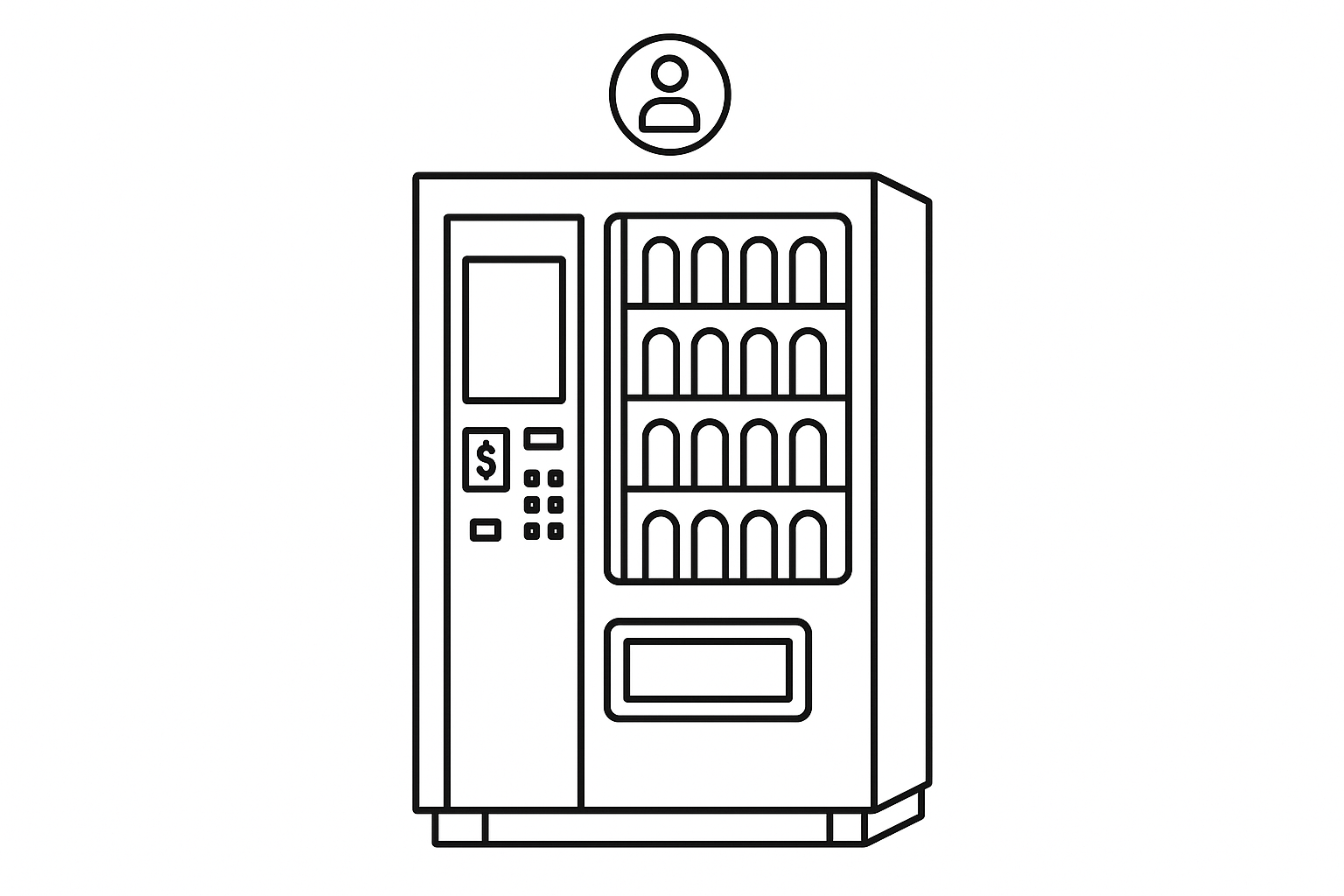
How to make your own self service hire Vending Machine
October 28, 2025 · 16 min read
How to make your own self service hire Vending Machine
Want to run a rental business without staff? Self-service hire vending machines let customers rent and return items 24/7. These machines combine online booking, digital locks, and payment systems to automate rentals for tools, bikes, trailers, and more. Here's what you need to know:
- How it works: Customers book online, get an access code, and unlock items using their phone.
- Benefits: Cuts labor costs, offers round-the-clock access, improves security, and simplifies scaling to new locations.
- Setup steps: Choose rental items and locations, handle legal requirements, install hardware, and integrate software.
- Key hardware: Digital locks, payment terminals, touchscreens, and secure storage.
- Software: Platforms like Lockii manage bookings, payments, and access codes for $12/month per locked item.
- Maintenance & security: Regular checks, GPS tracking, and secure payment systems ensure smooth operations.
This guide walks you through planning, hardware, software, and scaling to help you build a reliable, automated rental system.
Game-Changing Tech from Cantaloupe: Smart Stores, Micro Kiosks & AI Tools | Live from 2025 NAMA Show
Planning and Setup Requirements
Getting started with a self-service rental vending machine requires careful planning. The choices you make during this phase can significantly impact the efficiency, cost-effectiveness, and overall success of your automated rental system. Laying the groundwork properly now can save you headaches down the line.
Choosing Rental Items and Locations
What you rent out and where you place your machine are two of the most critical decisions you'll make. Durable, high-value items tend to work best for automated rentals because they justify the upfront investment in technology and can handle frequent use. Think about items like trailers, bicycles, power tools, camping gear, or small equipment - products that are both practical and in demand.
Location is just as important. You’ll want a spot with plenty of foot or vehicle traffic, good visibility, and easy access for both your customers and maintenance crews. Prime locations might include shopping center parking lots, areas near home improvement stores, college campuses, or recreational zones. Avoid spaces where the machine could block pedestrian pathways or violate local zoning laws.
Also, consider the habits and needs of your target market. For instance, if you’re renting camping gear, placing the machine near national parks or outdoor recreation areas makes sense. On the other hand, tool rentals might see more success near residential neighborhoods or construction sites. Make sure the location allows customers to load and unload items conveniently - this small detail can make a big difference.
Once you’ve nailed down your items and location, it’s time to tackle the business and legal groundwork.
Business and Legal Requirements
Running a self-service rental business means navigating a range of legal and administrative tasks. First, you’ll need to register your business and secure the appropriate licenses. Most states require a general business license, but some cities or counties have additional requirements for rental operations or automated retail systems.
Insurance is another must-have. General liability, property, and product liability coverage are all essential. Some insurance providers even offer policies tailored specifically for automated rental businesses, with costs depending on factors like your inventory’s value and location.
Don’t forget to check local zoning laws, fire codes, and ADA (Americans with Disabilities Act) compliance before installation. It’s a good idea to contact your local building department early in the process to ensure you meet all regulations.
Taxes are another key consideration. You may need to collect sales tax on your rental transactions and pay property taxes on your equipment. Since rental inventory is often taxed differently from retail inventory, consulting with a tax professional who understands the rental industry is highly recommended.
With the legal side squared away, you can focus on creating a functional and efficient installation space.
Site Access and Space Planning
Planning your site layout is about more than just finding a spot to fit the machine. You’ll need to think about how customers will access it, how maintenance teams will service it, and whether there’s enough room for larger rental items.
Make sure the space allows for easy movement of items during both customer use and maintenance. If space is tight, consider modular designs or alternative access routes to avoid bottlenecks.
Your machine will also need reliable power and internet. Depending on the setup, this might mean installing a dedicated electrical circuit and ensuring a strong data connection, such as a cellular service, for real-time bookings and payment processing.
For outdoor installations, weatherproofing is critical. Protect electronic components with durable, weather-resistant housing, and think about adding a small shelter to keep customers dry during pick-up and drop-off.
Finally, don’t overlook security. Features like bright lighting, surveillance cameras, and physical barriers can help prevent theft and vandalism while making customers feel safe when using the machine. A secure and well-lit environment encourages trust and repeat business.
Hardware Components You Need
Once you've mapped out your plan, the next step is choosing the right hardware to bring your self-service hire vending machine to life. These machines require secure storage, reliable item dispensing, and efficient rental management, especially for high-value, returnable items. With the hardware essentials outlined, sourcing and installing the right components becomes crucial to ensuring smooth operation.
Required Hardware Components
At the heart of any self-service hire machine is a secure and efficient storage and dispensing system. Locker-style compartments with digital locks that use temporary access codes are a great starting point.
For payments, include a card reader and contactless terminal that supports EMV chips, magnetic stripes, and NFC payments. Cashless payment systems are a must, as over 25% of vending machines in the U.S. now accept credit and debit cards [1].
Durability is key for outdoor touchscreens. Opt for an industrial-grade touchscreen with anti-glare and vandal-resistant features to handle unattended use in various conditions.
To prevent fraud, integrate identity verification tools like document scanners, cameras, or biometric scanners. A combination of a high-quality camera and document scanner provides effective verification while keeping costs under control.
The control system serves as the brain of your operation. This typically includes an industrial computer or embedded system that runs rental management software, processes payments, controls locks, and manages customer interactions. Choose a system with enough processing power to handle multiple transactions at once and sufficient storage for transaction logs and customer data.
For outdoor installations, use NEMA 4X-rated enclosures with proper ventilation or heating elements to protect components from harsh weather conditions.
Connectivity is another critical piece. Equip your machine with cellular modems for internet access, Wi-Fi adapters as a backup, and Ethernet connections where available. Redundant connectivity options reduce the risk of downtime, which could impact your revenue.
Lastly, include motion sensors, surveillance cameras, and tamper-evident locks to enhance security and deter theft.
Buying and Installing Hardware
Once you've identified the components you need, purchasing high-quality hardware and ensuring proper installation will determine your system's success. Industrial automation suppliers like Schneider Electric, Siemens, and Rockwell Automation offer rugged components for outdoor use, though these often come at a higher cost.
For payment systems, partner with trusted providers like Ingenico, Verifone, or PAX Technology. Their payment terminals are designed for vending applications and meet the necessary certifications for card processing, reducing compliance headaches.
Before installation, inspect all components to confirm smooth digital lock operation, reliable payment processing, and responsive touchscreens. Report any defects to your supplier immediately to address issues before setup.
Professional installation can be a smart investment for complex systems. Certified technicians ensure proper grounding, weatherproofing, and adherence to safety requirements. They can also handle initial software configuration and integration testing, ensuring all components work together seamlessly.
Power planning is another critical step. A steady and reliable electrical source is essential to avoid operational disruptions, especially for systems with refrigeration or climate control. Dedicated circuits with surge protection can handle the electrical demands of motors, computers, and payment systems.
For outdoor setups, placing the vending machine under an awning or roof can shield it from harsh weather. Even with weatherproof enclosures, reducing direct exposure extends the life of components and lowers maintenance costs.
Secure cable management is just as important. Use weatherproof connectors and protective conduits, and label all connections clearly to simplify troubleshooting. Installing a surveillance camera above the vending machine adds an extra layer of monitoring for both the equipment and customer interactions.
Finally, test all components by running complete rental transactions to ensure everything functions as expected. A detailed installation checklist can help you avoid missing any critical steps during the setup process.
Software Setup and Automation
Once your hardware components are installed and functioning, the next step is to configure the software that will manage your rental operations. This software serves as the central hub for your vending machine, handling everything from bookings and payments to customer communication and tracking rental items.
Rental Management Software
Lockii offers a fully automated rental solution tailored for self-service operations. It handles the entire rental process - from booking to item return - making it perfect for vending machines that provide 24/7 access without requiring staff involvement. Essentially, this software powers your round-the-clock rental system.
The platform includes booking widgets that can be embedded directly into your website. These widgets allow customers to reserve items and make payments in advance, helping to minimize wait times and ensuring items are ready when needed.
To enhance security, the software includes robust identity verification features. Customers renting high-value items must verify their identity through secure methods, reducing the risk of fraud. Additionally, integrated GPS tracking enables real-time monitoring of rented items, with alerts triggered if an item moves beyond a designated area - an essential feature for protecting expensive equipment.
The customer portal provides renters with access to their booking details, options to extend their rentals, and a direct line for support inquiries. Lockii’s pricing model, set at $12 per month per locked item, allows you to easily calculate the operational costs for each vending machine location.
Connecting Hardware and Software
To ensure everything works seamlessly, the software must communicate effectively with your hardware components. Lockii simplifies this with API connections that enable real-time integration between digital locks, payment systems, and the central control unit.
When a booking and payment are completed, the software immediately sends access codes to the digital locks. Lockii integrates with IglooHome smart locks to generate these codes wirelessly, ensuring a smooth and secure process.
Payment integration is another critical feature. The software works with payment terminals to verify transactions before generating access codes. Lockii’s integration with Stripe ensures payments are processed and confirmed in real time.
Reliable connectivity is essential for uninterrupted operations. Ensure your system has stable cellular or Wi-Fi connections, with backup options in place to prevent downtime. Test the entire setup by simulating rental transactions to confirm that payments are processed correctly, access codes are generated instantly, and locks respond as expected. These steps are vital for creating a fully automated, contactless rental experience.
Setting Up Contactless Rental Processes
Automation is key to reducing staff involvement while maintaining high service standards. Features like automated SMS and email notifications keep customers informed with booking confirmations, pickup instructions, return reminders, and follow-up surveys.
QR code and NFC technology make the rental process even more seamless. Customers can unlock their reserved compartments by scanning a QR code or tapping their smartphones, eliminating the need for physical keys or cards.
The platform also allows customers to extend their rentals directly, with the system automatically processing additional payments and updating access permissions. This not only enhances convenience but also opens up opportunities for additional revenue.
For returns, the software simplifies the process with features like return inspections, integrated quizzes, and photo submission options. Customers can document their returns and flag any issues instantly, streamlining the entire process.
Finally, "find my order" pages guide customers to their reservations with maps and step-by-step instructions, reducing confusion and minimizing support requests. These features collectively create a smooth, contactless rental experience that’s easy for both you and your customers to manage.
sbb-itb-eb44693
Customizing and Expanding Your System
Branding and Business Setup
The way your vending machine looks can make a huge difference in attracting customers and building your brand. Think of it as a giant, 24/7 advertisement for your business. With custom graphics, you can transform your machine into something that reflects your brand identity. Options include full wraps that cover the entire machine, partial designs that highlight key areas, or even eye-catching toppers to grab attention.
Incorporate your logo, brand colors, and tagline to create a cohesive look that not only draws people in but also reinforces your brand every time someone interacts with the machine.
Beyond appearances, you can tailor the machine's compartments to fit the specific rental items you offer. Whether you're renting out power tools, camping gear, or sports equipment, you can adjust the sizes and configurations of the compartments to suit your inventory. You can also customize the overall dimensions of the machine to fit the space you have or the needs of your products.
Touchscreen interfaces take customer interaction to the next level. These screens can showcase high-quality product images, detailed descriptions, educational videos, or even promotional content. For example, you could display interactive tutorials that guide customers through the rental process or highlight the features of your products. This kind of engagement not only enhances the user experience but also helps customers make informed decisions.
Lockii's remote management system makes it easy to keep your machine updated. You can instantly change images, descriptions, or pricing without needing to visit the machine in person. Plus, the system supports flexible pricing models, allowing you to adjust rates based on demand. For instance, you can set higher prices during peak times, offer discounts for longer rentals, or create membership tiers with special pricing. This level of customization keeps your vending machine aligned with your business goals and customer needs.
Once your first machine is running smoothly, the next step is scaling up your operation.
Adding Multiple Locations
Expanding to multiple locations can significantly grow your rental business, especially when you’ve established a strong brand presence. With Lockii’s multi-location support, managing a network of vending machines is straightforward. From a single dashboard, you can monitor performance, track inventory, and handle customer service for all your machines. Each location operates independently but feeds valuable data into your central system, giving you a clear picture of your overall business performance.
When planning new locations, use the data from your initial machine to guide your decisions. Look at metrics like customer behavior, peak usage times, and the most popular rental items. This information can help you identify areas with similar demographics and foot traffic. For example, if your first machine thrives near a busy park, consider placing the next one in a similar setting.
As you expand, maintaining operational efficiency becomes critical. Standardize your processes across all locations to streamline operations. This includes creating consistent schedules for maintenance, inventory restocking, and customer service. Training local contacts or partnering with maintenance providers can reduce travel time and operational costs, ensuring smooth operations even as you scale.
Tracking performance across multiple sites provides insights that can fuel further growth. Key metrics to monitor include utilization rates, average rental durations, customer satisfaction scores, and revenue per location. Identifying top-performing sites and understanding what makes them successful can guide future expansion efforts.
Lockii’s cloud-based system is designed to scale with your business. Every new location integrates seamlessly into your central platform, ensuring consistent service quality across your network. Features like GPS tracking, automated communications, and secure payment processing keep everything running smoothly, no matter how large your operation grows.
Adapting to local markets is also essential as you expand into new areas. For instance, a vending machine in a beach town might stock surfboards and beach chairs, while one in a city center might focus on bikes or scooters. Pricing may also need to be adjusted to reflect local market conditions, ensuring that your offerings remain competitive.
Finally, financial planning is key to sustainable growth. Lockii’s cost of $12 per month per locked item should be factored into your budget. Calculate the break-even point for each new location by considering setup costs, ongoing expenses, and expected revenue. If you’re building a larger network, explore volume discounts to keep costs manageable. With careful planning, you can expand your business while keeping it profitable.
Security, Maintenance, and Upkeep
Setting up a self-service hire vending machine means your rental items are available 24/7, making it critical to prioritize security and regular maintenance. These steps help protect your inventory and ensure the system operates smoothly.
Security and Fraud Prevention
To safeguard your rentals, digital locks with one-time access codes are essential. These locks track every use and alert operators to any unusual activity. Lockii’s system, for instance, integrates seamlessly with IglooHome locks and identity verification tools, ensuring only verified users can access the rentals.
Detailed audit logs are another layer of protection. These logs record every transaction and interaction with the machine, from bookings and pick-ups to compartment access and returns. If a problem arises, these records make it easier to identify and address security concerns.
For added safety, GPS tracking can be used on rental items. This allows you to monitor their location in real time. Alerts can notify you if an item leaves a designated area or if it isn’t returned on time, helping with quick recovery of valuable items.
Payments are securely processed through Stripe, protecting sensitive transaction data. Additionally, placing machines in well-lit, high-traffic areas and equipping them with tamper-evident seals and surveillance cameras further enhances security.
Maintenance and Emergency Planning
Regular maintenance and a solid emergency plan are essential for keeping the system reliable.
- Routine Maintenance: Clean high-touch surfaces weekly, inspect hardware monthly, and perform a thorough check of internal components, wiring, and backup systems every quarter. This ensures everything remains in top condition.
- Software Updates: Lockii’s cloud-based system updates automatically, but it’s wise to monitor these updates and test functionality after significant changes. A stable internet connection is crucial for uninterrupted service.
- Emergency Preparedness: Have a clear response plan that includes contact information for your internet provider, an electrical contractor, a locksmith, and local law enforcement. Keep this information accessible both digitally and in print.
For common emergencies, establish clear procedures. For instance, if the power goes out, know how long backup systems will last and have a plan for manually accessing compartments. Similarly, understand which functions can operate offline during internet outages.
Customer service issues also require quick action. Automated systems like Lockii’s can notify you via SMS or email when a customer reports a problem. Aim to respond within 30 minutes during business hours, and provide clear instructions for after-hours situations.
Effective inventory management helps avoid shortages during busy times. Use your dashboard to monitor rental trends and plan restocking ahead of time. Keep spare items nearby for quick replenishment. Financial monitoring is equally important - review reports regularly and set alerts for unusual activity, such as spikes in declined payments or chargebacks, which could indicate technical problems.
Finally, document all maintenance activities thoroughly. Record dates, actions taken, and observations, and take photos during inspections to track the machine’s condition over time. Tailor maintenance schedules to local weather conditions to protect sensitive electronic components. By staying proactive and addressing issues promptly, you can ensure smooth and secure operations.
Conclusion
A self-service hire vending machine brings rental operations into the modern age by automating key processes like planning, hardware selection, and software integration. This approach enables 24/7 contactless service, offering both operational efficiency and growth potential.
Choosing the right software is critical to success. Look for systems that handle identity verification, payment processing, and lock management seamlessly. This ensures smooth operations and allows for expansion without driving up labor costs.
Main Takeaways
Here are the key points to keep in mind:
- Integrated systems enhance the user experience. Combining digital locks, secure payment systems, and reliable connectivity creates a rental system that operates smoothly around the clock. While the upfront investment in high-quality components may seem steep, it pays off by reducing operational costs and ensuring continuous customer access.
- Security and maintenance are essential for reliability. Features like GPS tracking, audit logs, and regular maintenance schedules help safeguard inventory and maintain customer trust. Clear emergency procedures and responsive customer support further reinforce reliability.
- Scalability is easier with the right foundation. Starting small - perhaps with a single location - allows you to fine-tune your processes. Once established, software platforms make it easy to expand to multiple locations and handle increased orders without adding unnecessary complexity or costs.
The rental industry is embracing contactless, automated solutions to meet customer demands for convenience and accessibility. By following the steps in this guide - from planning to implementing security measures - you can create a self-service rental system that operates efficiently, grows seamlessly, and sets the stage for long-term success.